
Bring customer enquiries from WhatsApp into your LeadSensy workspace.
Sync LeadsYour customers find you on different platforms. Your leads shouldn’t be scattered across them.
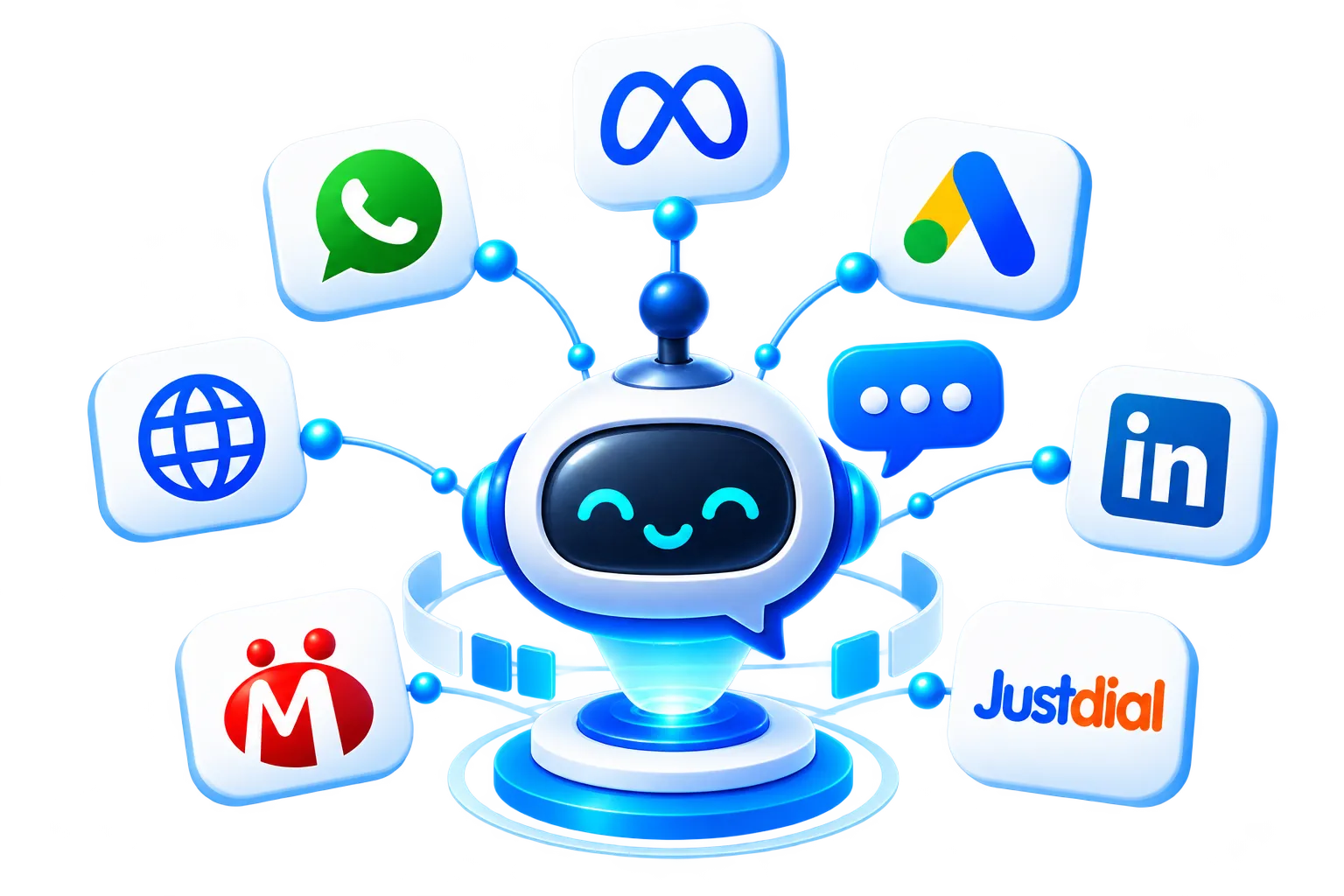
LeadSensy brings leads from WhatsApp, Meta Ads, Google Ads, LinkedIn Ads, websites, and business listing platforms like IndiaMART and Justdial into one centralized workspace.
No more switching between multiple platforms to keep track of enquiries. Bring your leads together and manage them smarter with LeadSensy.
Connect your platforms. Sync your leads. Simplify your sales process.
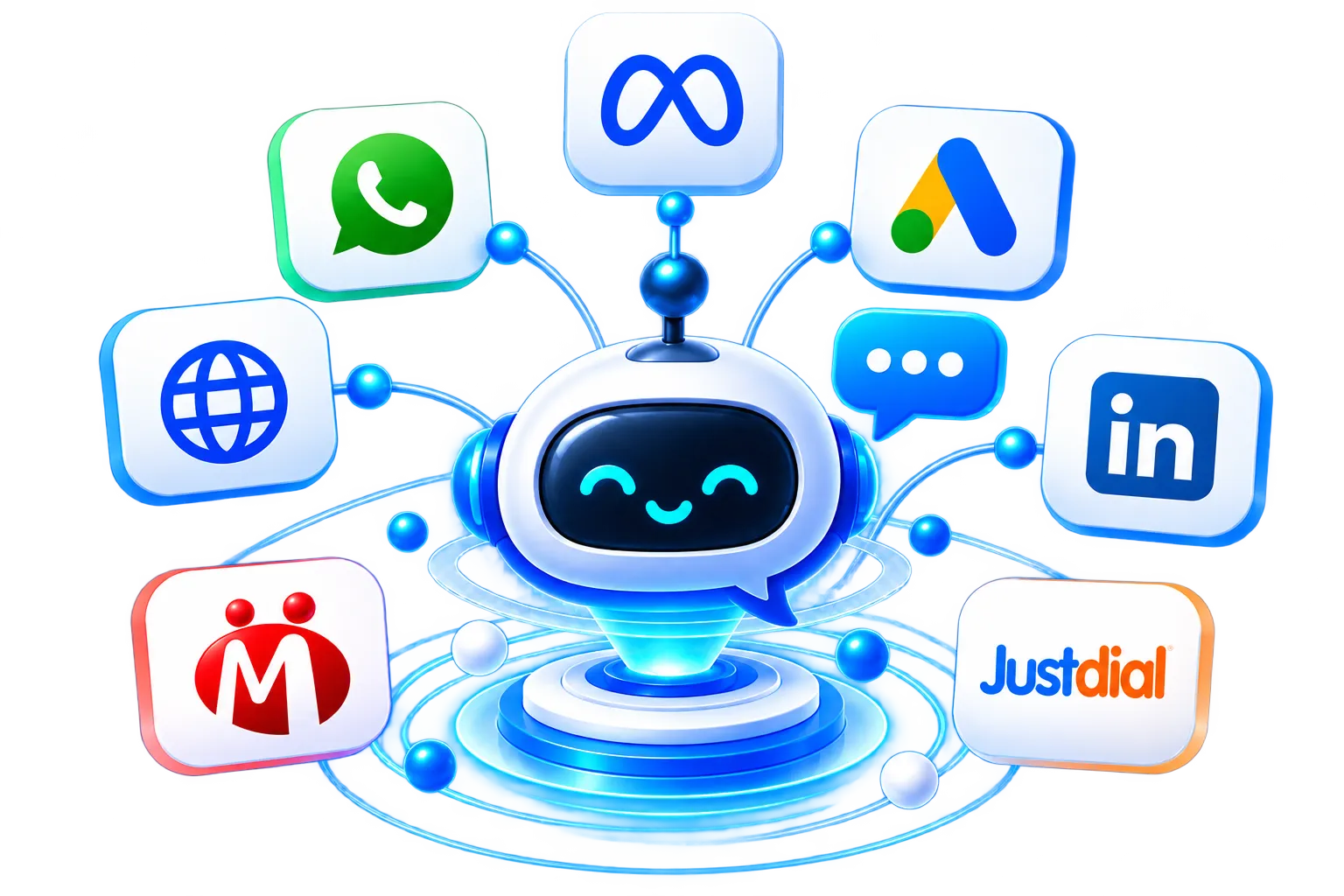
Every platform is another opportunity to connect with a potential customer. LeadSensy helps you bring these opportunities together by syncing lead data from multiple supported platforms.
Bring customer enquiries from WhatsApp into your LeadSensy workspace.
Sync Leads
Capture leads from your Facebook and Instagram advertising campaigns.
Sync Leads
Connect your Google Ads lead generation workflow and organize incoming enquiries from your advertising campaigns.
Sync Leads
Bring professional enquiries and B2B leads generated through LinkedIn advertising into your centralized lead management system.
Sync Leads
Capture website and landing page enquiries, automatically syncing leads to your LeadSensy workspace through supported integrations.
Sync Leads
Sync business enquiries generated through IndiaMART and manage potential customers alongside leads from your other channels.
Sync LeadsBring enquiries from Justdial into your lead management workflow and keep track of potential customers without managing separate lead records.
Sync Leads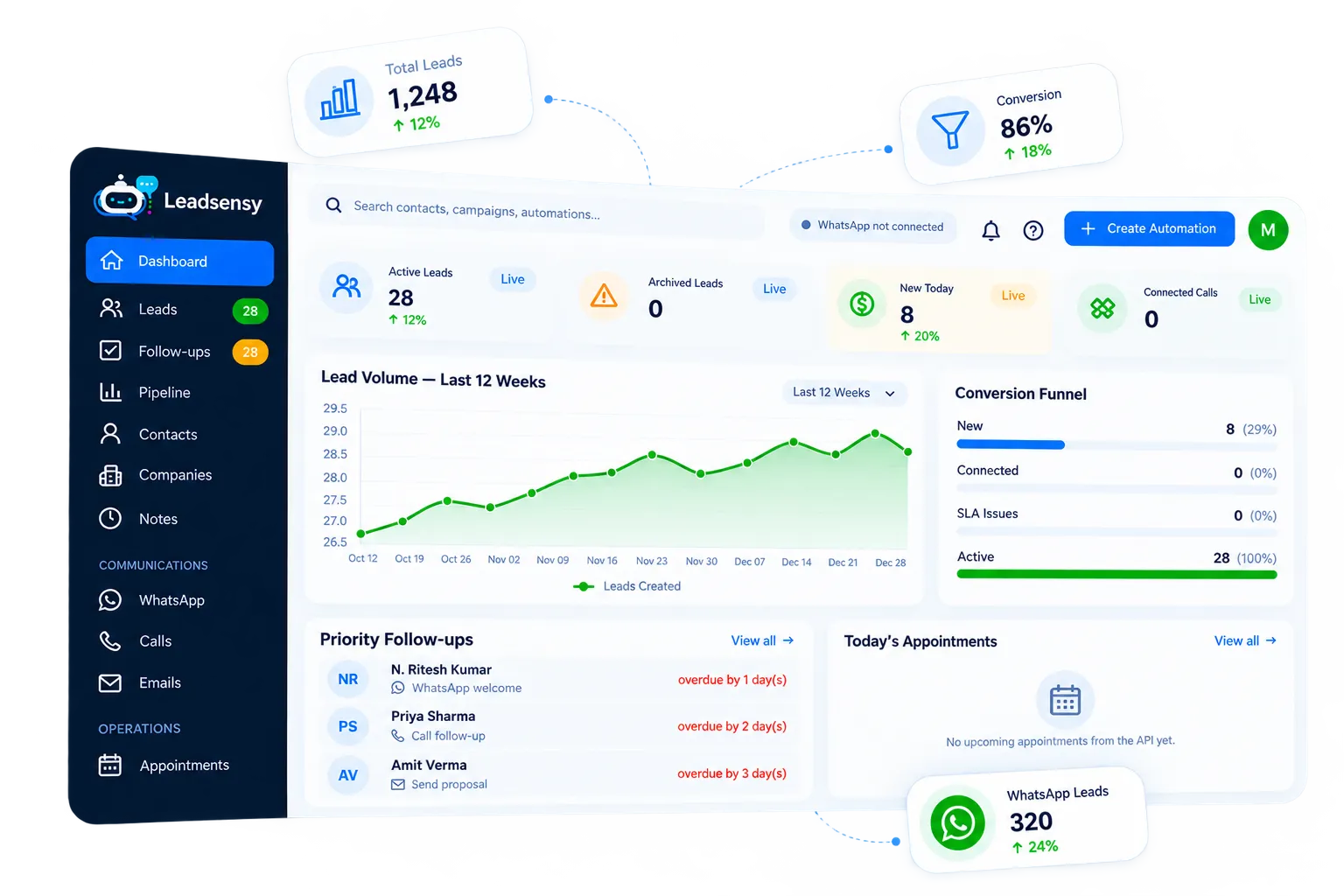
Imagine managing leads from all your marketing channels without constantly switching between platforms.
Spend less time collecting leads manually and more time building customer relationships.
Getting started with LeadSensy should be simple. Connect your favourite platforms and start managing all your leads in one place.
Create or access your account using your email address.
Use your Google account for a convenient sign-up and login experience.
Authorise your Facebook account to access supported Meta-related integrations.
Connect using your LinkedIn account and access supported integrations.
Use your GitHub account for supported account authorization and login.
Getting your leads together is simple.
Authorize the supported platforms you use for marketing, advertising, and lead generation.
LeadSensy retrieves lead information from your connected sources based on the available integration and authorization settings.
Access your synchronized leads, organize prospects, manage follow-ups, and track opportunities through your LeadSensy dashboard.
When your leads are spread across different platforms, managing them becomes time-consuming. LeadSensy helps simplify that process.
Connecting business platforms should be a straightforward and transparent process. LeadSensy uses supported account authorization methods to establish connections with external platforms. You authorize the accounts and permissions required for the integrations you choose to use. Our goal is to make connecting your business tools easier while keeping account access and permissions transparent.
Your next customer could come from WhatsApp, Facebook, Google, LinkedIn, your website, or a business listing platform. Don’t let those opportunities get scattered.
Connect your lead sources and manage your business enquiries smarter with LeadSensy.